English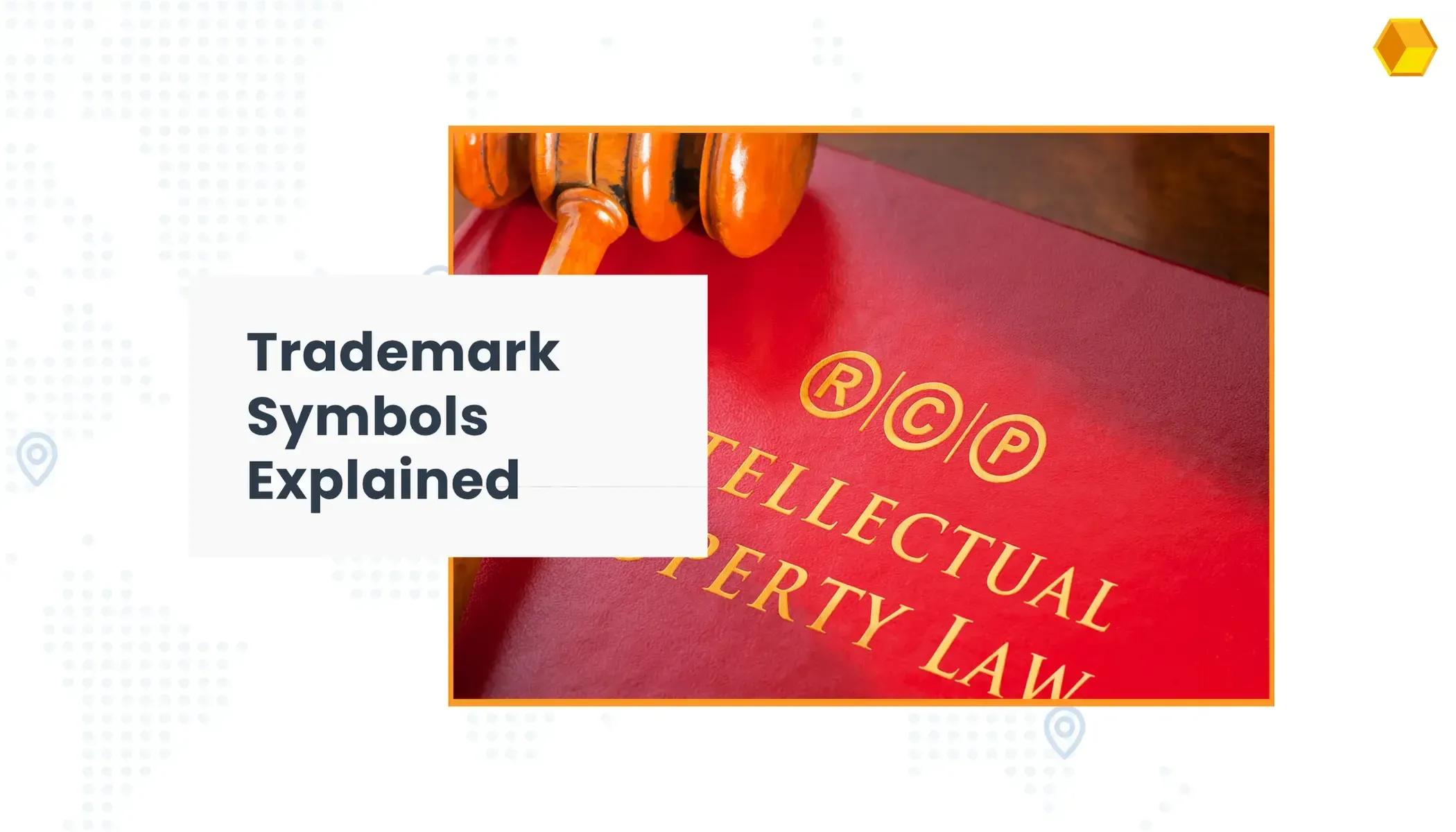


Decoding Registered Trademark Symbols: Types, Differences and Uses
At a glance: A trademark symbol does not create legal rights by itself, but it does communicate important information about how a name, logo, or work is being claimed or protected. Understanding when to use ™, ℠, ®, ©, and ℗ correctly can help you avoid misuse, reduce legal risk, and show the right status to customers and competitors.
Table of Contents
- Copy and Paste Trademark Symbols
- How to write the registered trademark and copyright symbols ™ ℠ ® and ©
- What are the differences between the TM, SM, R, C and P symbols?
- Where to Place Trademark Symbols
- Frequently Asked Questions About Trademark Symbols
- From Symbols to Protection: Getting It Right
Trademark symbols tell customers and competitors how a name, logo, or work is being claimed or protected. This guide shows you how to copy and paste ™, ®, ℠, © and ℗, how to type them on Windows and Mac, and when each one actually applies.
💡Quick tip: If typing these symbols is awkward on your keyboard, just copy them straight from the table below. Bookmarking this page is the easiest way to keep them within reach.
Copy and Paste Trademark Symbols
Use the table below to copy any symbol directly, or jump to the keyboard shortcuts further down.
| Symbol | Name | Copy/Paste | Windows | Mac |
|---|---|---|---|---|
| ™ | Trademark | ™ | Alt + 0153 | Option + 2 |
| ® | Registered Trademark | ® | Alt + 0174 | Option + R |
| ℠ | Service Mark | ℠ | HTML code ℠ | Insert → Symbol |
| © | Copyright | © | Alt + 0169 | Option + G |
| ℗ | Sound Recording Copyright | ℗ | Insert → Symbol | Insert → Symbol |
How to write the registered trademark and copyright symbols ™ ℠ ® and ©
Depending on your system (Windows or Mac), there are keyboard shortcuts you can use to type each symbol directly.
On Windows, hold Alt and type the numeric code using the numeric keypad (these Alt codes generally do not work with the number row above the letters):
- Alt + 0153 for the trademark symbol ™
- Alt + 0174 for the registered trademark symbol ®
- Alt + 0169 for the copyright symbol ©
In Microsoft Office, you can also type the symbols in parentheses, (c), (tm), (r), and autocorrect will convert them automatically, or go to Insert → Symbol and select them from there.
On a Mac, the fastest way to get these symbols is:
- Option + 2 for the trademark symbol ™
- Option + R for the registered trademark symbol ®
- Option + G for the copyright symbol ©
If you prefer working with Unicode or HTML instead of keyboard shortcuts, ™ is U+2122 (™), ® is U+00AE (®), and © is U+00A9 (©).
How to write the service mark symbol ℠?
The ℠ symbol is recognized by most word processing tools, but it is not obtained the same way in all of them. In Microsoft Office, insert it from Insert → Symbol. In a browser or on a website, the fastest way to get it is the HTML code ℠.
What are the differences between the TM, SM, R, C and P symbols?
Now that we know how to type them, let's look at what each of these symbols actually protects. It's important to clarify that none of these symbols provide IP rights protection on their own, they are informative.

Keeping this in mind, let's go through the specifics of each symbol:
The TM ™ symbol (and SM ℠)
The trademark symbol ™ (Trade Mark) tells consumers and competitors that someone is claiming a trademark and using it (for products), regardless of whether that trademark is officially registered before a trademarks office.
The ℠ symbol works the same way, but is used for trademarks that protect services only.
Both symbols are only meaningful in countries where trademark ownership is granted to whoever first uses the mark, rather than whoever first registers it.
An example of a brand that has used ™ with its logo is Starbucks.
The registered trademark symbol ®
This symbol is reserved for registered trademarks, covering both goods and services.
You can use the ® symbol with your trademark once you hold an official certificate of registration in the country where you are using the mark with the symbol. In some countries, using the ® symbol without an actual registration exposes you to legal risk.
Examples of brands using this symbol are McDonald's and Adidas.
If you are preparing to register a trademark internationally, see our International Trademark Registration Services for a fixed-quote, attorney-coordinated process across jurisdictions.
The copyright symbol ©
The copyright symbol warns the public that a (non-audio) work is original and cannot be reproduced without its author's consent, based on the legal and moral rights the law grants the owner for its creation.
It's widely recognized worldwide, though since the Berne Convention it is no longer necessary to use the symbol to obtain protection.
In the European Union, for instance, an author's rights expire 70 years after the author's death.
The phonogram symbol ℗
The ℗ symbol is used to notify of a copyright over audio works. Its name comes from "Phonogram".
Where to Place Trademark Symbols
There's no strict rule governing where to place these symbols. Common practice is to place them in the top right corner of the trademark name or logo, or at the same height immediately to the right of it. Most brands use the symbol at the first prominent mention rather than repeating it throughout a page.
Keep in mind that the ® symbol is only appropriate once a trademark has been officially registered, it is not valid before that. If you include the ® symbol in a trademark application before it's approved, the trademarks office could raise an objection, since it may look like you're claiming a registration you don't yet hold.
Frequently Asked Questions About Trademark Symbols
How do I type the ™ symbol on a keyboard?
On Windows, hold Alt and type 0153 on the numeric keypad. On Mac, press Option + 2. You can also copy the ™ symbol directly from the table at the top of this page.
What is the Alt code for the registered trademark symbol?
The Alt code for ® is Alt + 0174, typed using the numeric keypad on Windows. On Mac, use Option + R instead.
Can I copy and paste the ™ and ® symbols?
Yes. Both symbols can be copied and pasted like any text character. Use the table at the top of this article to copy ™, ®, ℠, © or ℗ directly.
What is the difference between ™ and ®?
The ™ symbol can be used to claim trademark rights without registration, while the ® symbol may only be used once a trademark is officially registered with a trademark office.
Can I use the ® symbol before my trademark is registered?
No. The ® symbol should only be used after official registration. Using it before registration, or in countries where the mark is not registered, may be misleading and can result in legal issues.
Do trademark symbols create legal protection?
No. Trademark symbols do not create legal rights on their own. They serve as informational notices indicating how a name, logo, or work is being claimed or protected.
From Symbols to Protection: Getting It Right
Trademark and copyright symbols may seem minor, but they play an important role in communicating legal status, ownership, and intent.
Understanding the differences between ™, ℠, ®, ©, and ℗ helps avoid misuse, reduces legal risk, and ensures your brand or creative work is represented correctly.
If you're ready to register your trademark and use the ® symbol properly across different countries, you can explore our International Trademark Registration Services
And if you have questions about trademark symbols, registrations, or international protection, feel free to contact us, we'll be happy to help!